
What’s New in Sahi : Live Market Clock & Top Options
Execute Intraday Options Trades with Better Timing and Faster Contract Discovery

When you’re trading intraday options, especially something as fast-moving as Nifty, the edge often comes from execution.
You may already have your setup in mind. But in the middle of a live session, traders frequently lose time doing things that have nothing to do with analysis, like checking how much of the session is left or scrolling endlessly through the option chain to locate a tradable contract.
The latest updates to Sahi Scalper are designed to reduce exactly this kind of friction.
Live Market Clock
Stay aligned with exchange time right inside your interface
Time plays a direct role in how intraday option trades behave. Whether it’s theta decay accelerating post-2 PM or liquidity picking up closer to the closing bell, knowing how much trading time is left in the session can influence both entries and exits.
But in most setups, traders still rely on:
- Their system clock
- A separate browser tab
- Or another trading window
That usually means taking your attention away from the chart during important moments.
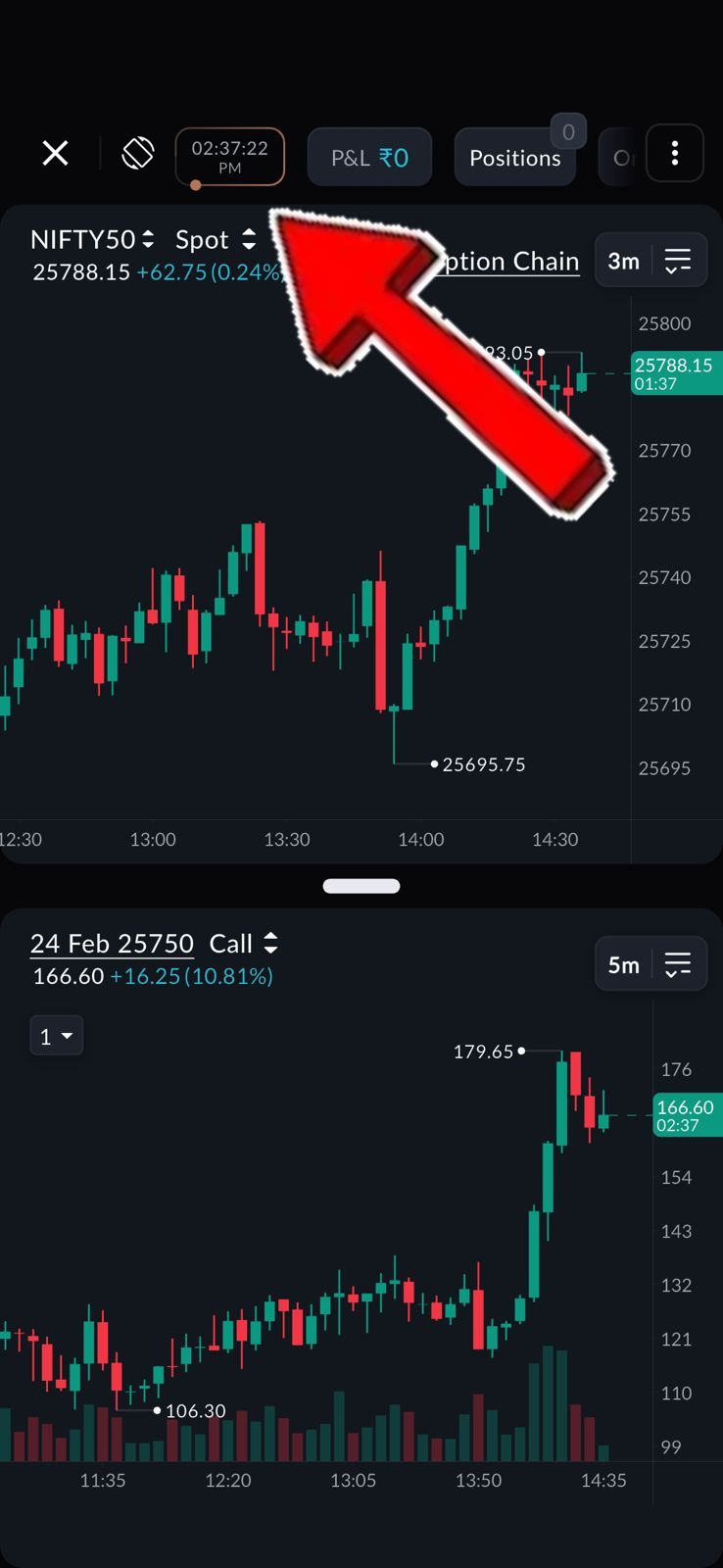
The new Live Market Clock keeps you synced with actual market time within Scalper itself so you can manage time-decay strategies, track post-lunch volatility windows, or plan exits before the final closing-hour spike without breaking your workflow.
Top Options
Focus on the most active contracts without manual scanning
Finding the right strike quickly is often more difficult than identifying the trade setup itself.
Instruments like Nifty have dozens of available contracts across multiple expiries. By the time you manually scan through 30 to 50 strike prices to locate a liquid option, the move may already be in progress.
With Top Options, Scalper automatically surfaces contracts based on:
- Highest Open Interest
- Highest Volume
- At-The-Money strikes
This helps you instantly focus on actively traded options, typically the ones with tighter spreads and better fill quality, without having to scroll through the entire chain.
How to View Top Options:
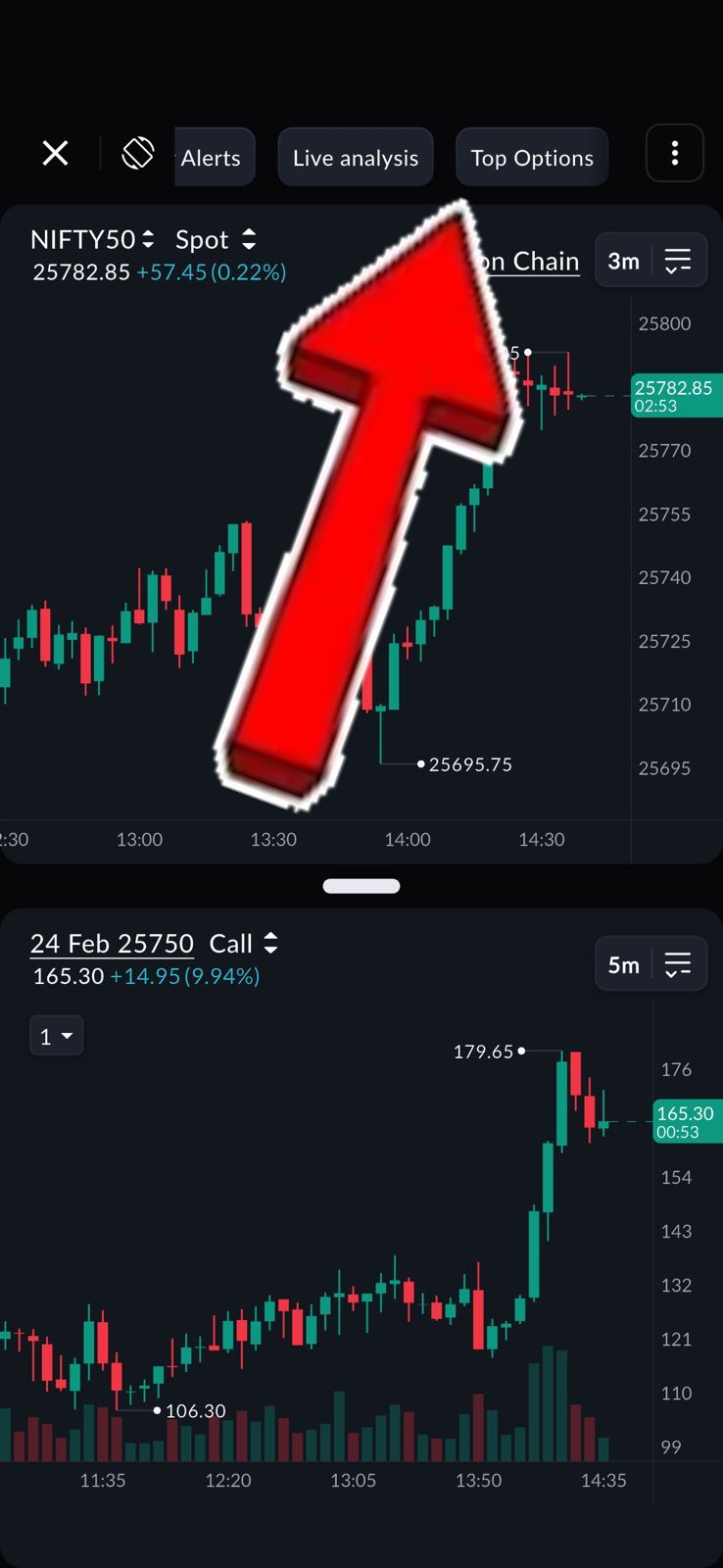
Scroll through the top panel in Scalper until you see the Top Options tab, then simply tap on it to instantly view the most active and liquid contracts.
Built for Faster Execution
Intraday trading doesn’t always reward better analysis. It often rewards faster execution.
Features like Live Market Clock and Top Options are built to remove small but recurring delays between spotting a setup and placing a trade. Over the course of an expiry session, those saved seconds can meaningfully impact how efficiently you enter or exit positions.
If you’re already using Sahi Scalper, you can now access both features directly within your trading interface.
Sometimes, trading better starts with navigating less.