


How to Open a Commodity Trading Account?
4 min read
Published 9 Sept 2026, 01:45 AM ISTUpdated Tue, 8 Sept, 2026, 04:33 PM IST
Summary
Opening a commodity trading account in India involves choosing a SEBI-registered broker, completing KYC, linking a bank account, submitting income proof where required, and activating the commodity derivatives segment. Once activated, investors can add funds and trade commodity futures and options after understanding margins, contract specifications, leverage, settlement rules and associated risks.
Trade Smarter, Not Harder
Receive market breakouts, AI insights, and trading strategies directly in your inbox.
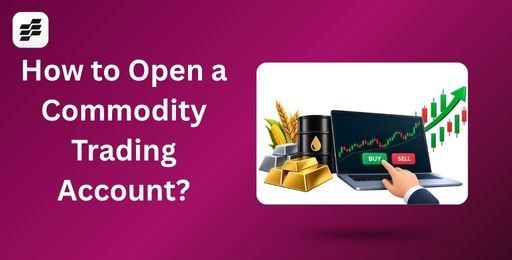
Commodity trading allows investors to participate in the price movements of assets such as gold, silver, crude oil, natural gas and agricultural commodities. In India, investors generally trade commodities through exchange-traded futures and options rather than buying and storing the physical commodity.
Opening a commodity trading account is similar to opening a regular trading account. However, investors must activate the commodity derivatives segment with a broker and understand the additional risks involved.
The Indian commodity derivatives market has also grown significantly. According to the Securities and Exchange Board of India (SEBI), commodity derivatives turnover across Indian exchanges reached ₹81.8 lakh crore in August 2025. MCX also accounted for about 98% of the total market share during Q1 FY2025.
Here is a step-by-step guide to opening a commodity trading account in India.
Steps to Open a Commodity Trading Account in India
To start trading commodities, you first need to open a commodity trading account with a registered broker like SAHI. Here’s how to open a commodity trading account with SAHI:
- Choose a SEBI-Registered Broker
Start by selecting a broker that offers commodity derivatives trading like SAHI. Check whether your broker provides access to the commodity exchanges and contracts you want to trade.
Compare brokerage charges, platform features, margin requirements, customer support, and other applicable fees before deciding.
You should also verify the broker's registration details on the SEBI website before opening an account.
- Start the Online Account Opening Process
Visit your broker's official website or mobile application and begin the account-opening process.
You will generally need to provide your mobile number and basic personal information. The broker will then guide you through the application process for a trading and, where applicable, demat account.
- Complete KYC and eKYC
The next step involves completing your Know Your Customer (KYC) requirements.
You will generally need to provide details such as your PAN, Aadhaar, address, date of birth, and other personal information. You may also need to complete identity verification through a selfie or video verification process.
Many brokers allow customers to complete eKYC using Aadhaar-based verification and electronic signatures.
- Link Your Bank Account
You need to link an active bank account with your trading account.
The linked bank account is used to transfer funds to your trading account and withdraw eligible funds. Make sure the bank account belongs to you and that the details provided during onboarding are accurate.
- Submit Income Proof for Commodity Segment Activation
Depending on the broker and the segment you want to activate, you may need to provide income or financial information.
Acceptable documents can include a recent bank statement, salary slip, Form 16, Income Tax Return acknowledgement, or a statement showing your investment holdings.
The exact documents and requirements can vary between brokers.
This step is particularly important when activating derivatives segments because brokers need to complete the required regulatory checks before granting access.
- Submit the Application and Complete eSign
After entering your details and uploading the required documents, review the application carefully.
You can then submit the account-opening form and complete the electronic signature process, where applicable. Aadhaar-based OTP verification may be used for electronic signing.
The broker will review your information and complete the required KYC and regulatory checks.
- Activate the Commodity Trading Segment
Having a regular trading account does not always mean that commodity trading is automatically enabled.
You may need to separately activate the commodity derivatives segment. Some brokers allow you to activate it during initial onboarding, while others provide a separate segment activation option after the account is opened.
The activation time can vary depending on the broker, documentation, and verification process. On SAHI, after e-signing, activation usually takes 24–48 hours, after which you can start trading commodities.
- Add Funds and Start Trading
Once your commodity segment is activated, you can add funds to your trading account. Before placing your first order, understand the commodity contract's lot size, expiry, margin requirement, trading hours, settlement mechanism, and applicable charges.
You can then use the broker's trading platform to buy or sell eligible commodity futures and options.
Documents Required to Open a Commodity Trading Account
The exact requirements vary between brokers, but you will generally need:
- PAN card
- Aadhaar or other valid identity proof
- Address proof
- Bank account details
- Recent photograph or selfie
- Income proof, where required
- Signature or electronic signature
- Additional financial documents, where applicable
It is important to provide accurate and updated information. Incorrect or incomplete documents can delay account opening or segment activation.
QUIZ
What must investors generally do before they can start trading commodities through a regular trading account?
How Long Does It Take to Open a Commodity Trading Account?
The account-opening process can often be completed digitally within a short period when all documents and information are readily available.
However, the actual time depends on KYC verification, document validation, regulatory checks, and commodity segment activation. Some brokers may activate the segment quickly, while others may take additional working days if further verification is required.
Therefore, investors should check the expected timeline with their chosen broker. Once you complete the e-sign process on SAHI, the commodity segment is generally activated within 24–48 hours, after which you can start trading in commodities.
READ MORE: Commodity Swap: What Is It, How Does It Work and What Are Its Types?
What to Check Before Your First Commodity Trade?
Opening the account is only the first step. Before placing a trade, understand:
- Contract size and lot size
- Initial and maintenance margin
- Expiry date
- Trading hours
- Brokerage and statutory charges
- Settlement mechanism
- Physical delivery rules, where applicable
- Leverage and potential losses
- Risk management requirements
Commodity derivatives can involve leverage. A relatively small movement in the underlying commodity can therefore have a substantial impact on your trading capital.
Important: Do not assume that every broker follows the same onboarding process. Document requirements, income verification, segment activation, charges, and timelines can differ between brokers.
Final Words
Opening a commodity trading account in India involves choosing a SEBI-registered broker, completing KYC, linking a bank account, activating the commodity segment, and depositing the required margin.
The process is now largely digital, with many brokers offering online account opening.
However, opening an account is only the first step. Investors should understand contract specifications, margins, leverage, settlement rules and trading costs before placing an order.
Related blogs


Recent blogs

Jio Platforms IPO: Everything Investors Need to Know Before Investing
/Posted 2 weeks ago
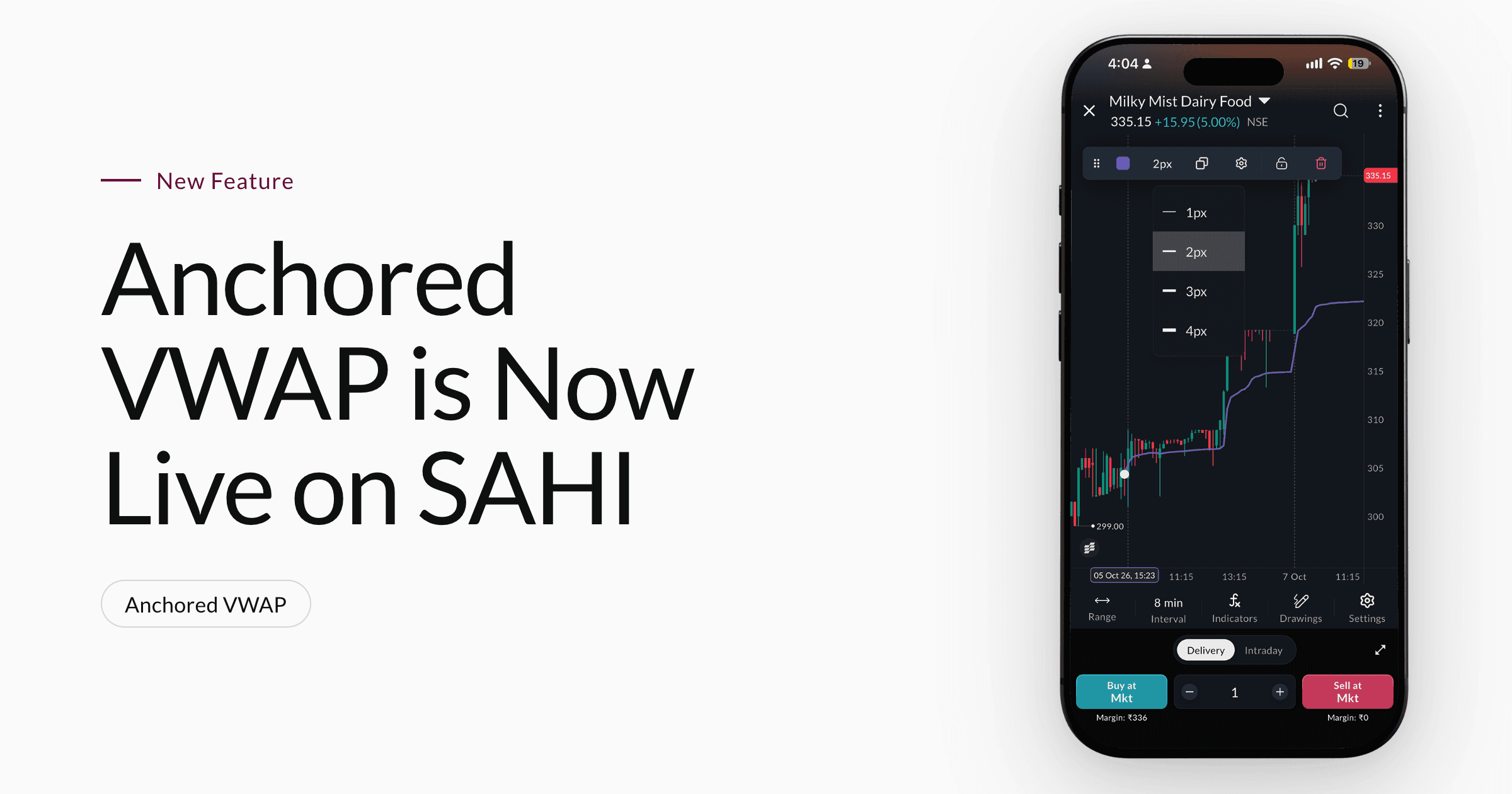
Anchored VWAP is Now Live on SAHI Charts
/Posted 1 month ago
Add Sahi as a Preferred Source on Google
Click the link, confirm the box next to sahi.com is checked — ignore any other results.